

What it does › Money
Expenses, child maintenance and joint account
You log what you pay for the children, with the receipt and the date, and see each parent’s share.
Plan
3 expenses free to try, with ‘Ask for my share’. Unlimited expenses, child maintenance and the joint account come with Full Vaivén: €9.99, once.
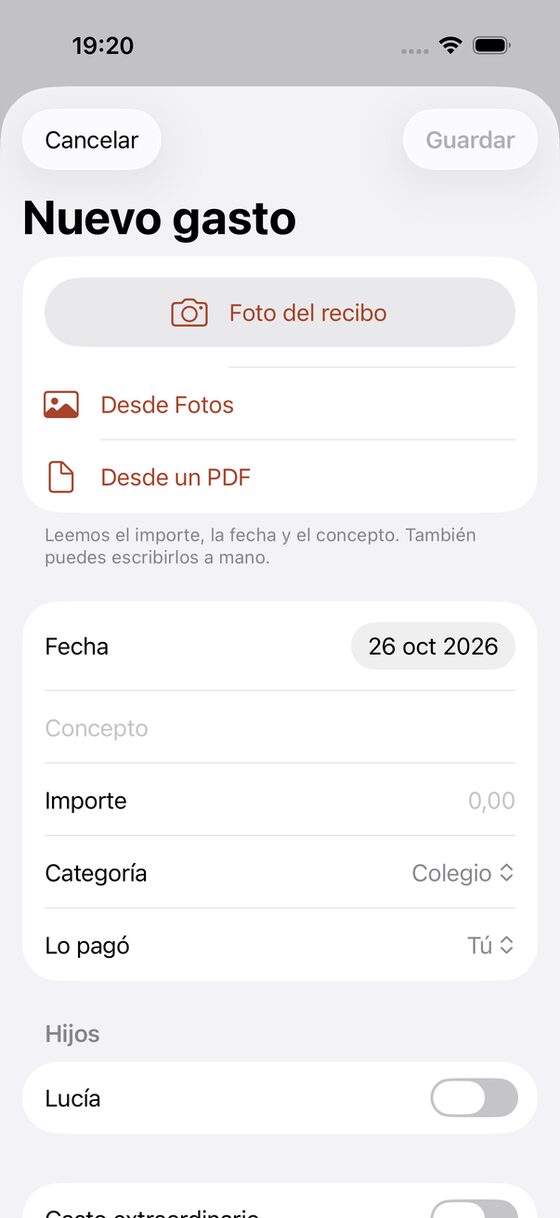
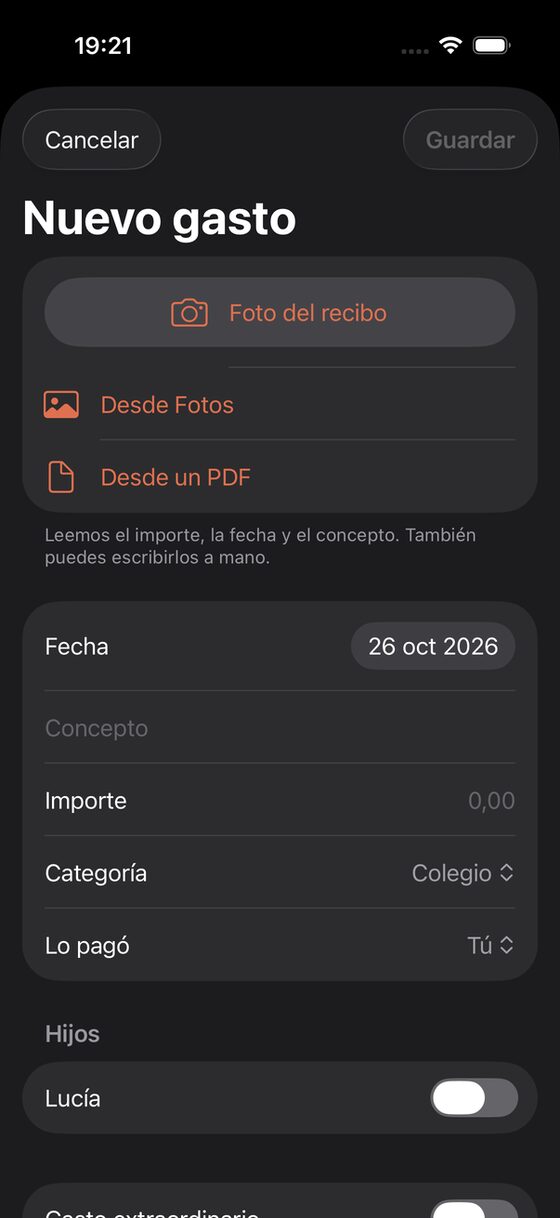
Lucía’s glasses, €120.
You know which part of each expense is whose.
Date, description, amount, category, child or children, who paid, and the receipt.
To try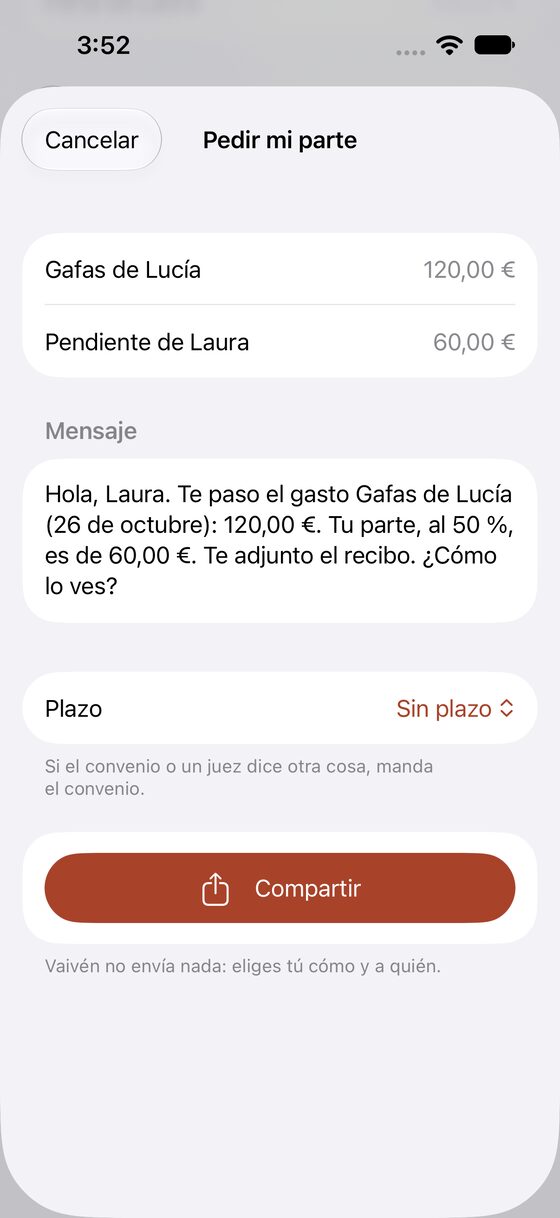
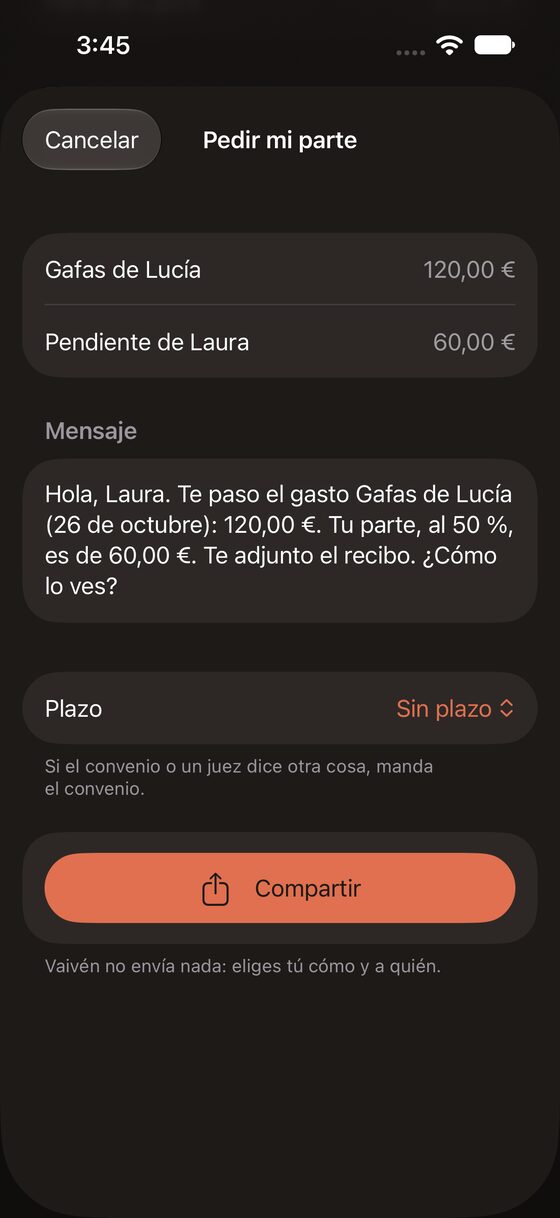
‘Pending from Laura: €60.’
You ask for your share with a message that’s already written.
A short, neutral message with the amount and the receipt. There are three texts you can edit, a deadline and a notification on your iPhone the day it falls due. You decide whether to send it and where.
To tryEvery September, child maintenance goes up with inflation.
You know how much child maintenance goes up each year with inflation.
Monthly amount, who pays and the due day. Each month you mark it as paid, partly paid or unpaid, with date and amount, and you can attach proof of payment.
Full VaivénSchool meals, winter clothes, the dentist.
You see what each of you has paid into the joint account.
Each parent’s regular contribution, transactions and balance. It shows which contributions are missing, by parent and month.
Full VaivénEvery money feature
13 features: 9 to try, 4 with Full Vaivén.
Everyday or extra expense
Extra ones carry a status: agreed, pending or disputed.
To trySplit by percentage or by days with each parent
Each expense is split with the percentage you agreed (50% if none is set) or by the days each parent had that month. You can change it on each expense.
To tryReceipt by photo
You take a photo or share a PDF and your iPhone reads it; the photo never leaves your phone. It suggests the amount, and with Apple Intelligence the date, shop and description too. You check it before saving. It reads Spanish receipts.
To tryPending and reimbursed
You mark each expense as reimbursed, with its date. If 30 days pass without reimbursement, Vaivén reminds you.
To tryWhat you agreed about the expense
Up to five photos, screenshots or PDFs per expense, with how it was agreed and the date.
To tryAsk for several expenses at once
You pick the pending expenses, or all of a month in one go, and get one message with each amount, the total and the receipts. Once you confirm you’ve sent it, it’s noted on all of them.
To tryRecurring expenses
School meals or an activity. You choose when it repeats and until when. On the day, Money suggests it under ‘Time to log’ and you can log it, change the amount or skip it. A reminder at 10:00. Each occurrence counts as one expense on the free plan.
To tryYearly increase with the Spanish CPI (IPC)
On the update day, Vaivén shows the CPI for the month your agreement uses and the new amount, and you apply it with one tap. It includes the published CPI; if a month is missing, it asks the INE, Spain’s statistics office (public data, nothing of yours is sent). You can also type the percentage. Each amount keeps where it came from.
Full VaivénChild maintenance reminders
It reminds you if the due day passes without a logged payment, and when the yearly update is due.
Full Vaivén
From the blog
We’ll email you once, on launch day.
Your email app opens with the message ready. There’s no form, so we don’t store anything.