

What it does › Calendar
Calendar, holidays and handovers
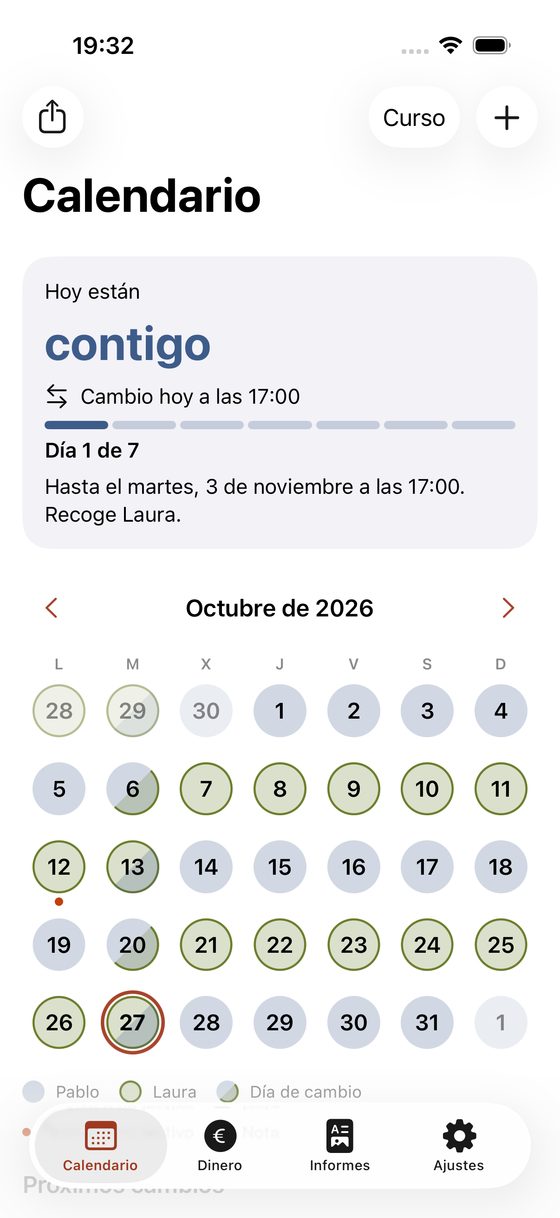
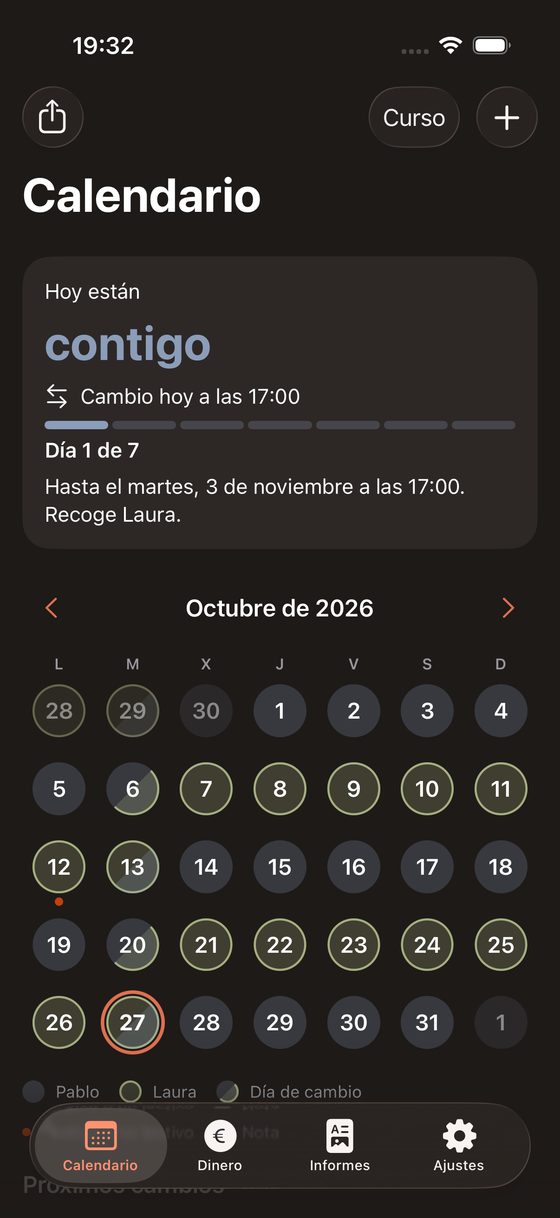
You see who they’re with today and until when, how the holidays fall, and you can send the week to your family.
‘Is the December long weekend mine?’
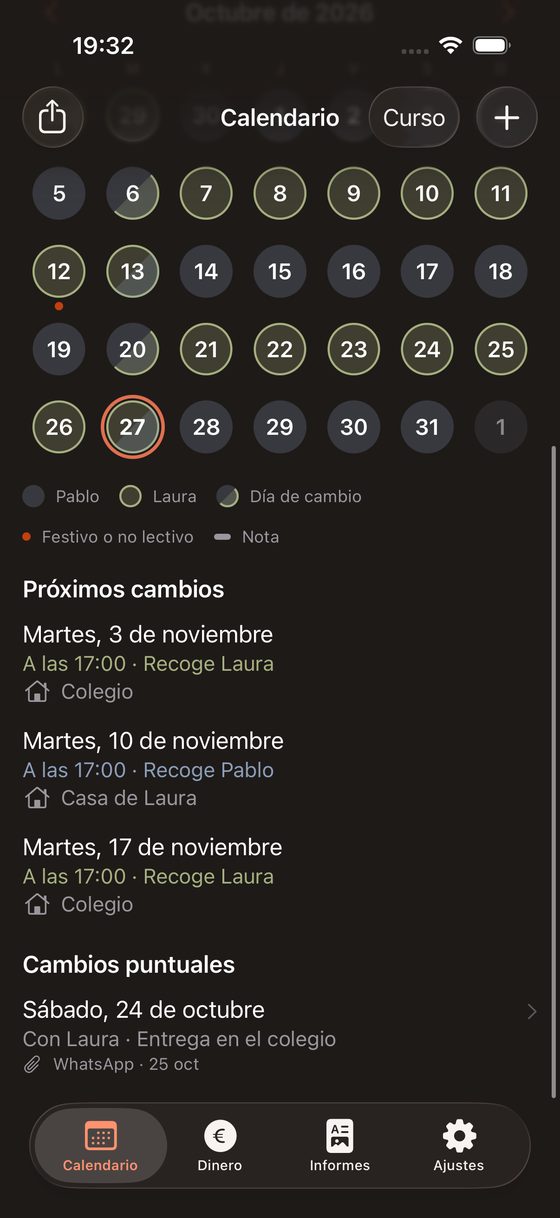
You know who they’re with today and until when.
The calendar shows who the children are with today, until when, and when the next handover is.
Free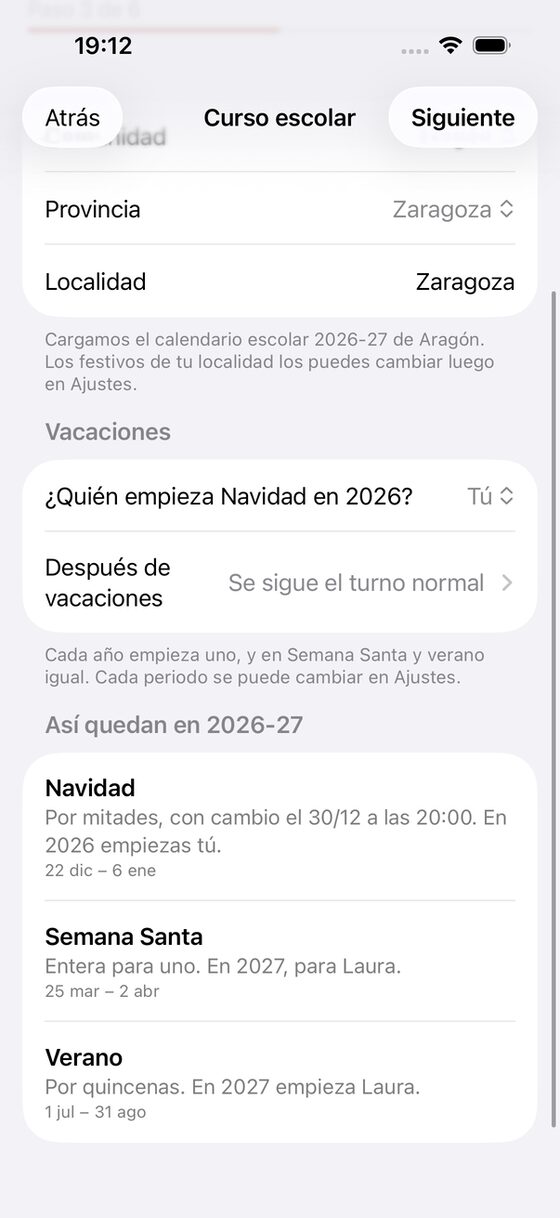
Christmas is coming. Who starts this year?
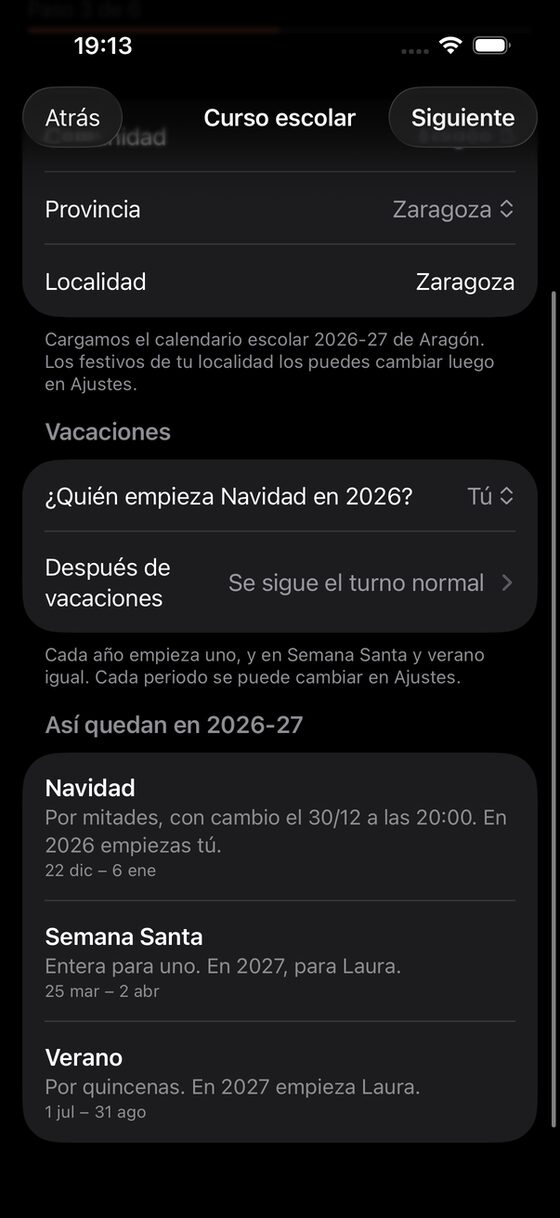
You know who has each holiday, in odd and even years too.
Christmas, Easter, summer and any period you add. You choose two halves, the whole period alternating by year, or half-months (1st to 15th and 16th to the end), the day and time of the changeover, and who starts in even years.
Free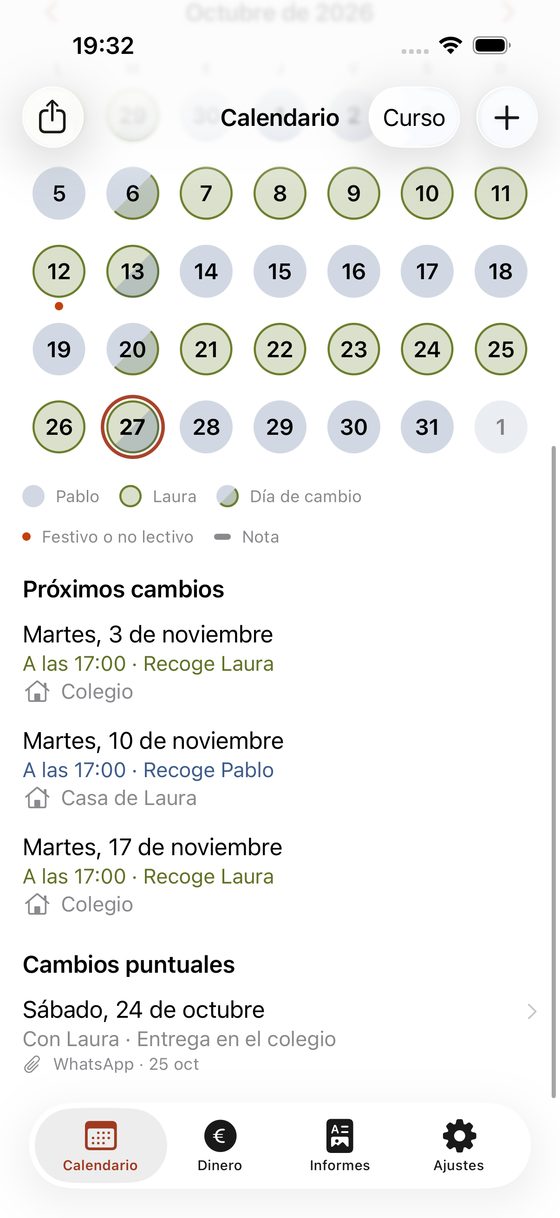
You agreed it on WhatsApp. Where did it end up?
You note down a swapped weekend, with what you agreed.
A swapped weekend or a few extra days. You pick the range (the first and last day count) and the change takes precedence over holidays and the schedule.
Free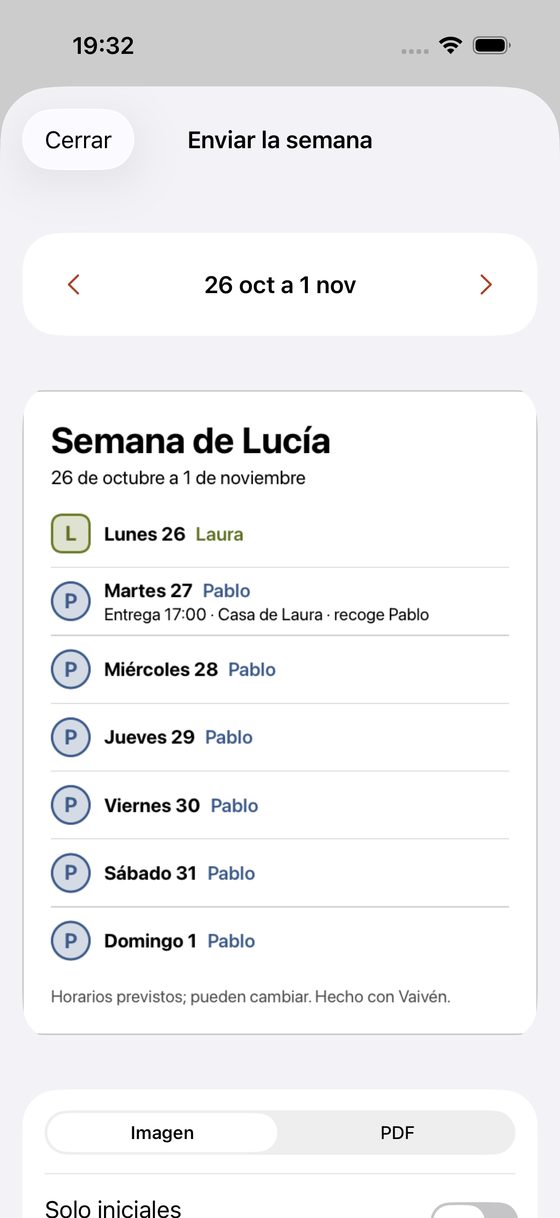
Grandma picks them up on Thursdays. How does she find out?
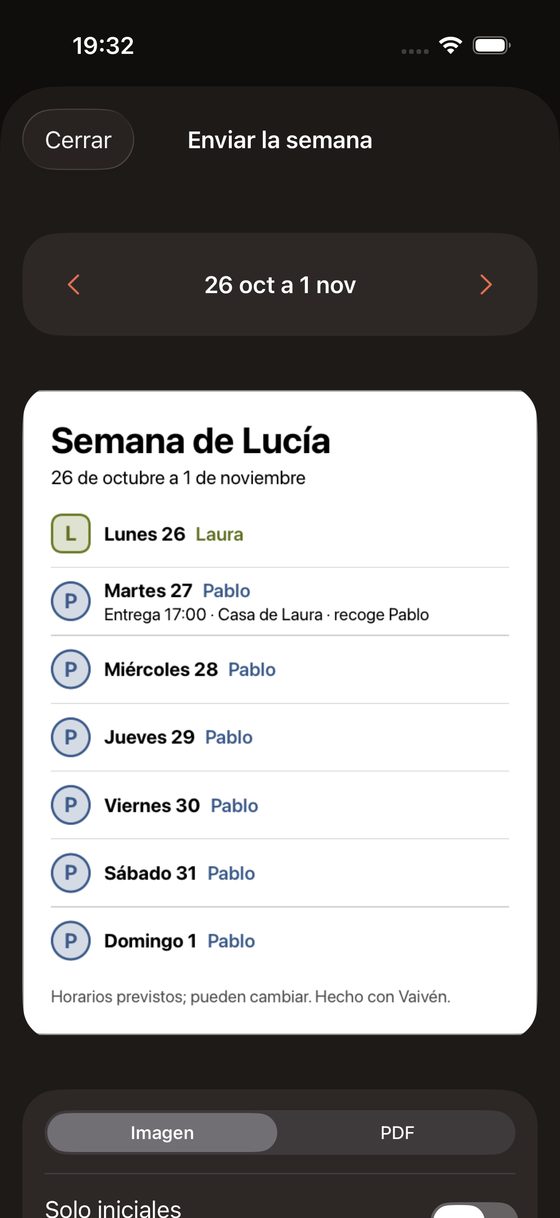
You can send the week to your family.
An image or a PDF with the seven days, who they’re with and the time of each handover. You see what you send before sending it, and you can show only initials.
FreeEvery calendar feature
20 features: 20 free.
Setup in five steps
Family, schedule, school year, money and reminders. In about two minutes the calendar is ready, and it costs nothing.
FreeFour schedules and one custom
Alternating weeks, fixed days with alternating weekends (2-2-5-5), alternating fortnights or alternating months, and alternating weekends with one weekday afternoon. If yours is different, you build it day by day over a cycle of any length.
FreeHandover time
Each schedule has a handover time, and each day of the cycle can have its own (Friday after school, Sunday at 8pm).
FreeMonth view with colours and initials
Each parent has a colour and an initial. A handover day shows an icon and the time.
FreeHow the schedule resumes after holidays
The cycle carries on as if there had been no holidays, or starts with the parent who didn’t have the last stretch.
FreeSchool calendar for your region
The 2026-27 school year comes loaded, with start, Christmas, Easter, end of the school year and public holidays. Every region is there except the Basque Country, where each school sets its own. You add local holidays in Settings. Each new school year arrives with an app update.
FreeWhat you agreed, attached
You attach up to five photos, screenshots or PDFs of what was agreed, with how it was agreed and the date.
FreeNotes on a day
Three Kings’ Day, a birthday, an appointment. A note doesn’t change who the children are with that day.
FreeSchedule history
If your agreement changes, you create a new schedule with its start date. Earlier days stay as they were.
FreeReminder the day before each handover
It reaches your iPhone the day before. No names show on the lock screen.
FreeWidget
On the home screen (small and medium) and on the lock screen. It shows who they’re with and when the next handover is, and the medium one shows the next seven days.
FreePlace of each handover
A short name of up to 30 characters (‘School’, ‘Grandma’s house’). It appears in Upcoming handovers, in the week you send and in the iPhone calendar.
FreeWhat travels with the children
A checklist you tick in each day’s detail (homework, medicine…). You edit the list in Settings.
FreeKeep in my calendar
It creates a ‘Vaivén’ calendar on your iPhone with the next 12 months. It only touches that calendar and updates when you change something. It asks for full Calendar access and explains why first. If your account syncs calendars (iCloud or Google), it shows up there too.
FreeExport the school year
Saves the schedule as an .ics file you can open in another calendar.
FreeChildren and parents, each with a colour
Name and colour for each child and each parent. The other parent doesn’t need the app.
Free
We’ll email you once, on launch day.
Your email app opens with the message ready. There’s no form, so we don’t store anything.